SMS QR code generator
Generate easy & customizable SMS QR codes in seconds.
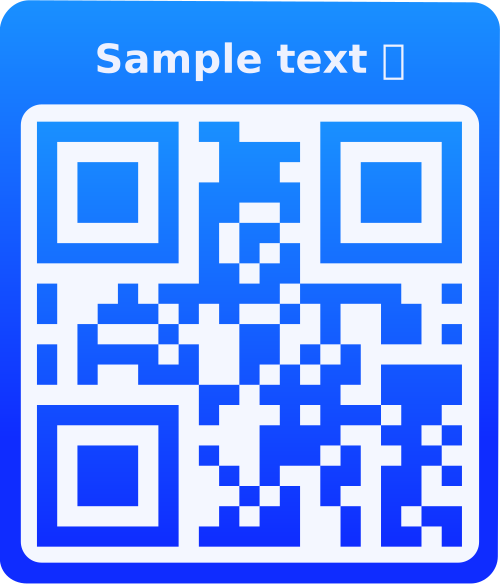
Test out the QR code with a scanner before using it in production.
QR Code seems to be readable.
QR Code might not be readable. Adjust your QR code settings or content.
What is an SMS QR Code?
An SMS QR Code contains a phone number and optional pre-filled message. When scanned, it opens the user's messaging app with the recipient number and message already filled in, making it easy for people to send you text messages without typing.
Why Use SMS QR Codes?
Pre-Filled Messages
Include a default message so users know what to send, reducing confusion and increasing response rates.
Instant Messaging
Users can send you messages instantly with one scan - no need to save your number or type messages.
Customer Support
Perfect for customer support, feedback collection, or any scenario where you want structured text responses.
Universal Compatibility
Works on all smartphones - opens the native messaging app on both iOS and Android devices.
How to Use SMS QR Codes
- Enter Phone Number: Type the phone number that will receive the SMS messages (use international format for best results).
- Add Message (Optional): Include a pre-filled message that users can send or edit. This helps guide what kind of message you want to receive.
- Customize Design: Add branding, choose colors, and style your QR code to match your business identity.
- Test & Deploy: Scan to verify it opens your messaging app correctly, then print or display on marketing materials.
Frequently Asked Questions
Yes! The pre-filled message is just a suggestion. Users can edit, delete, or completely change the message before sending. This gives them flexibility while still providing guidance.
Standard SMS messages are limited to 160 characters. However, you can include longer pre-filled messages - the messaging app will handle them, though they may be split into multiple SMS messages when sent.
Yes! SMS QR codes work on both iOS and Android devices. On iPhones, they open the Messages app. On Android, they open the default SMS/messaging app.
Absolutely! SMS QR codes are great for marketing. Use them for opt-in campaigns, promotions, feedback collection, or customer engagement. Just ensure you comply with SMS marketing regulations in your region.
SMS QR codes open the native SMS/messaging app and work with any phone number. WhatsApp QR codes open WhatsApp specifically and require the recipient to have WhatsApp installed. Use SMS for universal compatibility, WhatsApp for users who prefer that platform.
You can track QR code scans if you're logged in, but you cannot track the actual SMS messages sent. For SMS tracking, you'll need a dedicated SMS service provider with tracking capabilities.
Yes! SMS QR codes enable two-way communication. Users can send you messages, and you can reply directly to their messages through your phone's messaging app.
The QR code can be scanned offline, but sending SMS requires a cellular connection. The messaging app will queue the message if there's no connection and send it when service is available.
Yes! SMS QR codes are perfect for collecting customer feedback. Pre-fill a message like "Feedback: " or "Rate us: " to guide customers on what to send. Display them at checkout counters, on receipts, or in-store.
Yes! If you're logged in, you can edit your saved SMS QR codes and update the phone number or message. The QR code will be regenerated with the new information.