Email QR code generator
Generate easy & customizable Email QR codes in seconds.
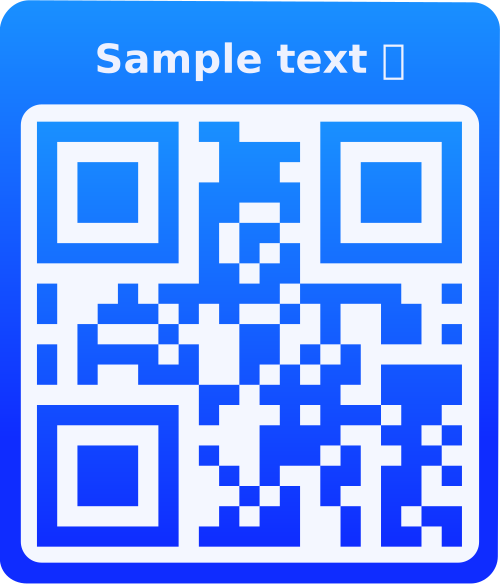
Test out the QR code with a scanner before using it in production.
QR Code seems to be readable.
QR Code might not be readable. Adjust your QR code settings or content.
What is an Email QR Code?
An Email QR Code contains an email address with optional pre-filled subject and message. When scanned, it opens the user's default email client with the recipient, subject, and body already filled in, making it effortless for people to contact you via email.
Why Use Email QR Codes?
Pre-Filled Forms
Include subject and message templates to guide users on what to write, ensuring you receive relevant emails.
Professional Contact
Provide a modern, professional way for customers to contact you without typing long email addresses.
Structured Responses
Use pre-filled subjects to categorize inquiries (Support, Sales, Feedback) for better email organization.
Reduce Errors
Eliminate typos in email addresses - the QR code ensures the correct address is always used.
How to Use Email QR Codes
- Enter Email Address: Type the email address that will receive messages. Make sure it's correct as this cannot be changed after printing.
- Add Subject (Optional): Include a pre-filled subject line to categorize emails or guide users on the email purpose.
- Add Message (Optional): Include a default message body that users can edit. This helps structure the type of emails you receive.
- Customize & Deploy: Style your QR code, test it, then print on business cards, flyers, or display digitally.
Frequently Asked Questions
Yes! Users can edit the subject and message before sending. The pre-filled content is just a template to guide them and ensure you receive relevant emails.
Yes! Email QR codes work on smartphones, tablets, and computers. They open the default email client (Gmail, Outlook, Mail app, etc.) on the device.
Absolutely! Email QR codes are perfect for customer support. Pre-fill the subject with "Support Request" and include a message template to guide customers on what information to include.
Email subjects are typically limited to 78 characters for best compatibility. Message bodies can be much longer, but keep pre-filled messages concise to guide users effectively.
Each QR code can contain one email address. Create separate QR codes for different departments (support@, sales@, info@) or use a VCard QR code which can include multiple contact methods.
The QR code can be scanned offline, but sending emails requires an internet connection. The email client will queue the message if offline and send it when connected.
You can track QR code scans if logged in, but you cannot track the actual emails sent. For email tracking, use email marketing platforms with tracking pixels or read receipts.
While you can use Email QR codes for this, a URL QR code linking to a newsletter signup form is typically more effective. Email QR codes are better for direct communication.
Yes! If you're logged in, you can edit saved Email QR codes and update the email address, subject, or message. The QR code will be regenerated with new information.
Email QR codes are ideal for: customer support contact, feedback collection, business inquiries, professional networking, event registration, and any scenario where you want structured email communication with pre-filled templates.