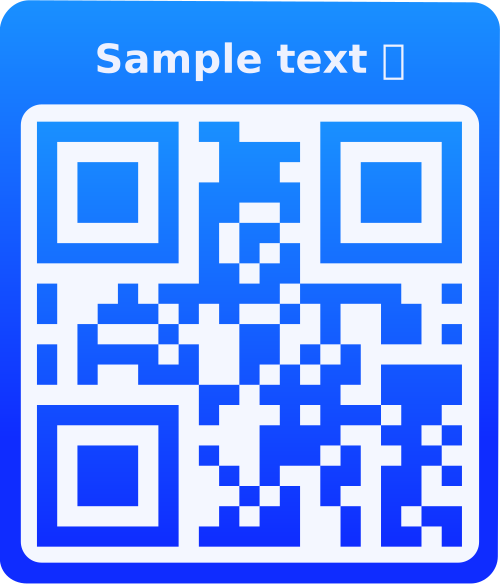
What is a PayPal QR Code?
A PayPal QR Code contains a PayPal payment link that, when scanned, opens PayPal's payment page with recipient, amount, and item details pre-filled. Users can complete the payment directly through PayPal without manually entering payment information. Perfect for businesses, freelancers, and individuals accepting PayPal payments.
Why Use PayPal QR Codes?
Trusted Payment Method
PayPal is trusted by millions worldwide. Customers feel secure using a familiar payment platform.
Quick Checkout
Customers can pay instantly with one scan - no need to type email addresses, amounts, or item details manually.
Global Reach
Accept payments from customers worldwide. PayPal supports multiple currencies and countries.
Buyer Protection
PayPal offers buyer and seller protection, providing security and dispute resolution for transactions.
How to Use PayPal QR Codes
- Choose Payment Type: Select Buy Now, Add to Cart, or Donation based on your use case.
- Enter PayPal Email: Input the PayPal email address that will receive payments.
- Set Payment Details: Add item title, price, currency, and optional thank you/cancel URLs for after payment.
- Customize & Display: Style your QR code, then display at checkout, on invoices, websites, or point-of-sale terminals.
Frequently Asked Questions
Three types: Buy Now (single item purchase), Add to Cart (for multiple items), and Donation (for charitable contributions). Choose based on your payment scenario.
No! Customers can pay with PayPal account or use credit/debit cards through PayPal's guest checkout. This makes it accessible to everyone.
Standard PayPal QR codes are for one-time payments. For recurring payments or subscriptions, you'll need PayPal's subscription features or API integration.
PayPal supports over 25 currencies including USD, EUR, GBP, CAD, AUD, and many more. Select the currency that matches your business location or customer base.
The amount is pre-filled in the PayPal checkout page. Customers can review it, but modifying requires going back. For variable amounts, consider not pre-filling the amount or using PayPal's invoice system.
PayPal charges transaction fees (typically 2.9% + fixed fee per transaction, varies by country). Fees are deducted from the payment amount you receive. Check PayPal's current fee structure for your region.
You can track QR code scans if logged in, but payment tracking happens in your PayPal account. All payments appear in your PayPal transaction history with details.
Yes! If you're logged in, you can edit saved PayPal QR codes and update email, amount, currency, or other details. The QR code will be regenerated with new information.
Yes! PayPal QR codes work on all smartphones and tablets. When scanned, they open PayPal's payment page in the browser, which works on all devices with internet access.
Yes! Use the "Donation" payment type for charitable contributions. Donation QR codes are perfect for nonprofits, fundraisers, and charitable organizations accepting PayPal donations.