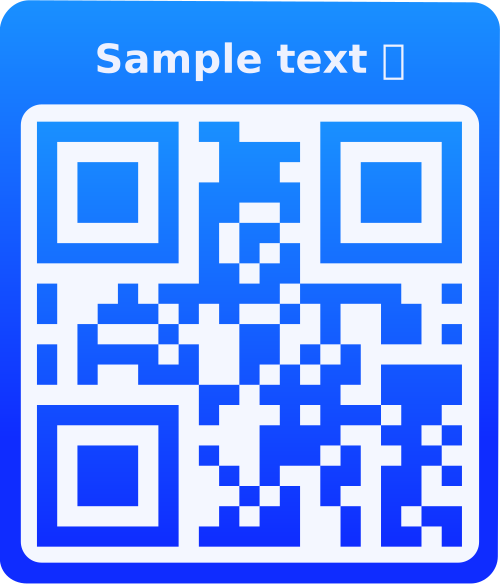
What is a Phone QR Code?
A Phone QR Code contains a phone number that, when scanned, automatically initiates a phone call on the user's device. This eliminates the need for users to manually dial numbers, making it perfect for customer service, business contact, support lines, or any scenario where you want to make calling easier.
Why Use Phone QR Codes?
One-Tap Calling
Users can call you instantly with a single scan - no need to remember or type phone numbers.
Better Customer Experience
Reduce friction in customer communication. Make it effortless for customers to contact you.
Professional Image
Showcase your business as modern and tech-savvy by using QR codes on business cards and marketing materials.
International Format
Automatically handles international dialing codes, making it easy for global customers to call you.
How to Use Phone QR Codes
- Enter Phone Number: Type your phone number in international format (e.g., +1 555 123 4567) or local format. Include country code for international accessibility.
- Customize Design: Add your logo, choose colors matching your brand, and select styles to make your QR code stand out.
- Test the QR Code: Scan with your phone to verify it correctly initiates a call to your number.
- Share & Display: Print on business cards, add to websites, display in storefronts, or include in marketing materials.
Frequently Asked Questions
Use international format with country code (e.g., +1 555 123 4567) for best compatibility. You can also use local format, but international format ensures the number works correctly for all users worldwide.
Yes! Phone QR codes work on all smartphones (iOS and Android). When scanned, they open the device's phone dialer with the number pre-filled, ready to call.
Absolutely! Phone QR codes work with any phone number including toll-free numbers (800, 888, 877, etc.), local numbers, and international numbers.
The QR code itself doesn't track calls, but you can track scan statistics if you're logged in. For call tracking, you'll need to use a call tracking service that provides unique phone numbers.
Phone QR codes open the dialer to make a call. SMS QR codes open the messaging app with a pre-filled message. Use Phone QR codes when you want people to call you, and SMS QR codes when you want them to send a text message.
Yes! If you're logged in, you can edit your saved QR codes and update the phone number. The QR code will be regenerated with the new number.
Each QR code can contain one phone number. If you need multiple numbers, create separate QR codes for each number or use a VCard QR code which can store multiple contact methods.
Display Phone QR codes on business cards, storefront windows, restaurant tables, product packaging, flyers, brochures, websites, email signatures, and any marketing materials where you want to make it easy for customers to contact you.
Yes! Phone QR codes can be scanned offline. The QR code contains the phone number, so scanning works without internet. However, making the actual call requires a phone connection (cellular or WiFi calling).
Phone QR codes support extension numbers. Include the extension in the phone number field (e.g., +1 555 123 4567 ext 123). When scanned, the dialer will show the full number including the extension.